


Stirr TV is a free video streaming service that includes video-on-demand access to hours of TV and movies. Sinclair is the founder and has created a platform with both linear channels and video on demand by partnering with a variety of premium content providers.
Stirr TV is owned by Sinclair Broadcast Group and is an American ad-supported video streaming application. This streaming site is accessible through the web and apps for iOS and Android devices and several TV gadgets comprising Amazon Fire TV, Roku, Apple TV, and Android TV.
“The new free TV” is the slogan of Stirr TV. It gets programs from the Sinclair TV stations, and other live channels even though some programs are available upon demand.
Twenty national channels were available at the promotion on January 16, 2019 which got to 50 by the end of the year.
How to Watch Stirr TV with ExpressVPN on FireStick?
- Get ExpressVPN .
- Download ExpressVPN app on FireStick.
- Launch the app and connect to a US server.
- Launch Stirr TV app and stream content without any restrictions!
Features of Stirr TV
On Stirr TV, there are over 100+ channels including entertainment, live music performances, local events, breaking news, election coverage, national, regional sports, movies, documentaries, classic series, and network programming that you can watch. Following is a list of all features.
- Stream-on-demand content anytime.
- Access to Netflix, Disney Plus, Amazon Prime Video, and Apple TV
- Browse websites.
- Watch videos on YouTube.
- Listen to music.
- Use an all-in-one remote control.
How to Install Stirr TV on your FireStick?
To watch your favorite content on FireStick, you must follow these steps for installation:
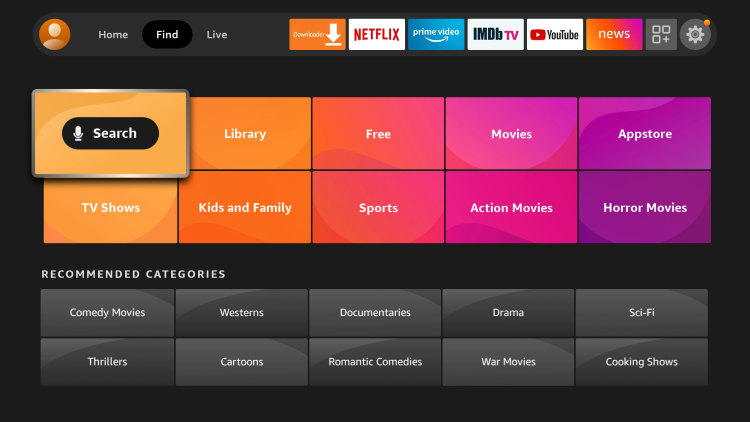
- Go to the homescreen of your FireStick, click find, then search.
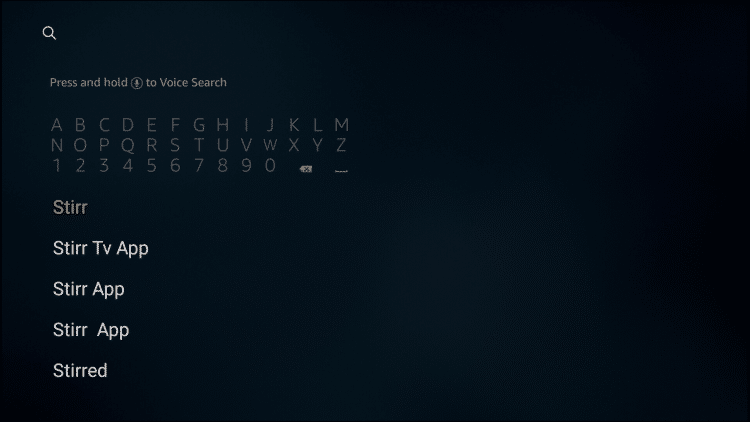
- Type and search fir “Stirr TV“.
- Select Stirr TV from under Apps & Games.
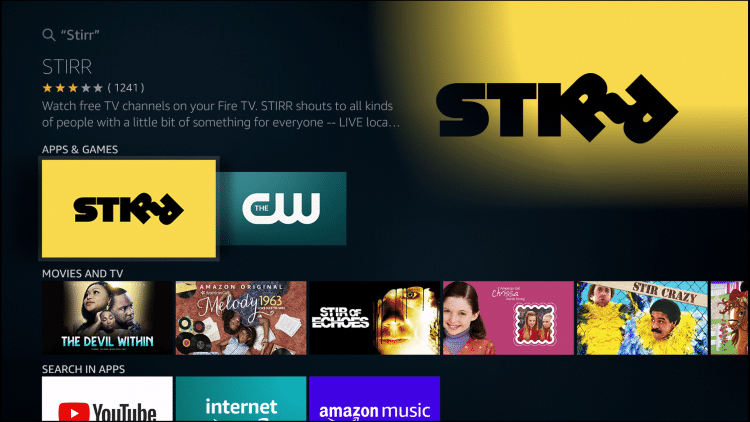
- Click on Download and wait for it to load
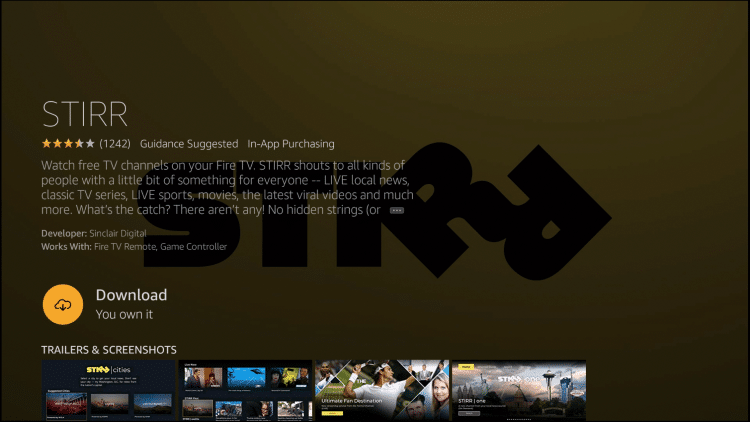
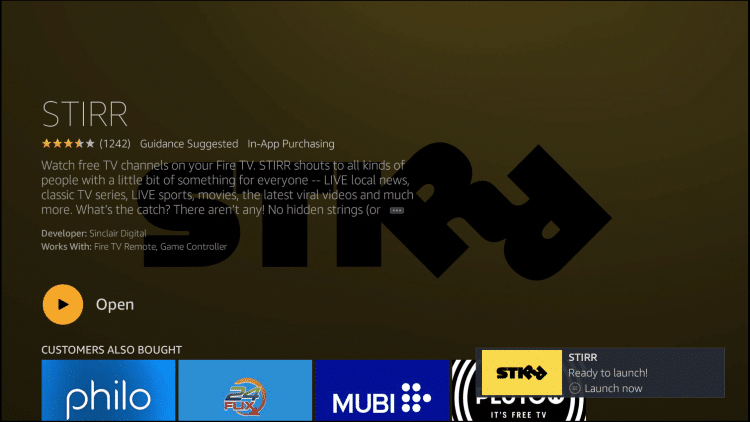
- Once the download is finished, open it and you can watch your favorite channels.
Best VPN to Watch Stirr TV Safely

It is recommended to install a reputable VPN, such as ExpressVPN, on your FireStick device before using streaming applications like Stirr TV. This is because some content may be restricted and can only be accessed with a high-quality VPN service.
By connecting to a server in the US, you will be able to access the most recent episodes and shows of your favorite TV series and movies. Also, to ensure complete safety and security it is important to use the VPN before using any streaming application.
Channels Available on Stirr TV
Channels included in the Stirr TV bundle are:
- BUZZR
- Charge
- Cheddar,
- Comet,
- CONtv,
- Dove Channel
- DUST
- FailArmy
- Futurism
- Gravitas
- Mobicrush
- MovieMix
- NASA TV
- Outdoor America
- The Pet Collective
- SOAR
- Stadium
- TBD
- The Tennis Channel
- World Poker
Alternatives to Stirr TV
In case Stirr TV does not work with FireStick, enlisted below are the alternatives to troubleshoot this issue:
- Rapid Streamz
- APKTime
- Max Movies
- CyberFlix TV
- Segi TV