



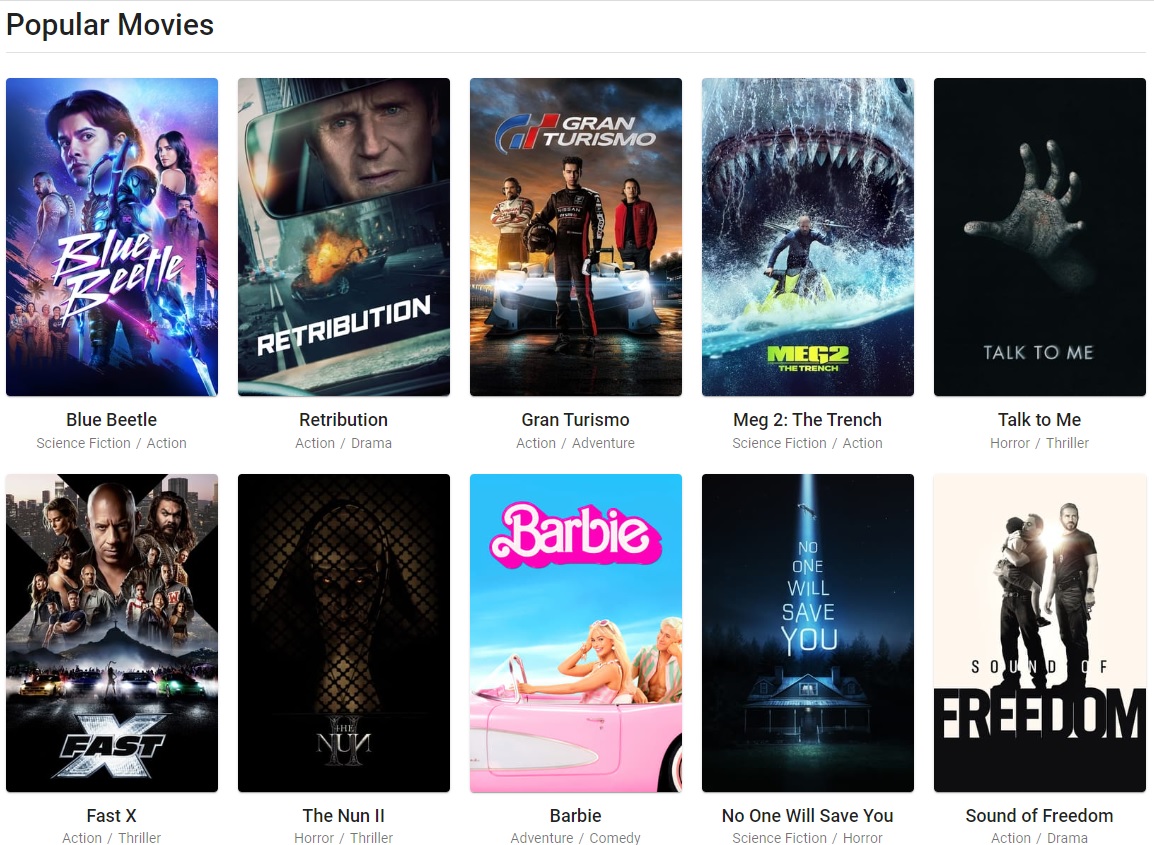
Putlocker is a free online streaming service that offers a wide range of movies and TV shows, including the latest releases. It is a popular choice for users who want to watch movies and TV shows without having to pay for a subscription service.
Putlocker is a third-party app and is not officially supported by Amazon. It is important to use a VPN when using Putlocker to protect your privacy and security.
Unique Features of Putlocker TV
Here are some of the features of Putlocker:
- A large library of movies and TV shows, including the latest releases.
- On-demand streaming of TV episodes and movies.
- Support for 4K and HDR streaming.
- A built-in search engine to find specific movies and TV shows.
- The ability to create and manage your own playlists.
- Support for subtitles and closed captions.
Setting up Putlocker on Firestick
To set up Putlocker on Firestick, you will need to:
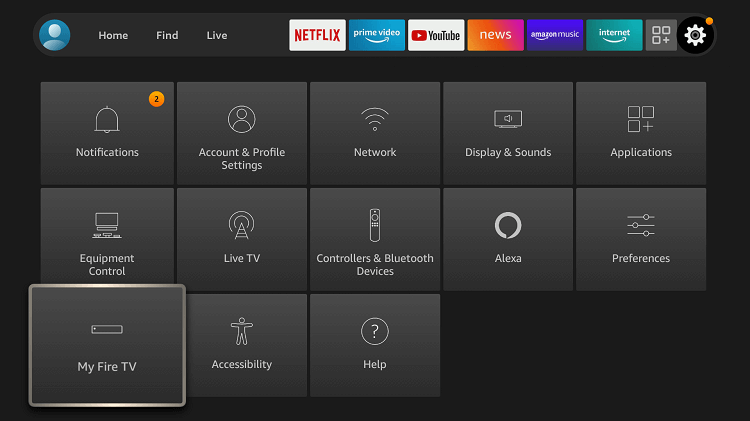
- Enable Developer Options on your Firestick. To do this, go to Settings > My Fire TV > Developer Options.
- Enable the Apps from Unknown Sources option.
- Download and install the Downloader app. You can find the Downloader app in the Amazon Appstore.
- Download the Putlocker APK file. You can find the Putlocker APK file on the Putlocker website.
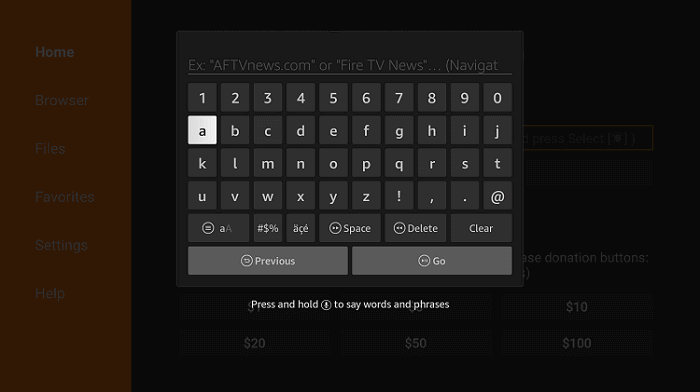
- Install the Putlocker APK file. To do this, open the Downloader app and enter the URL of the Putlocker APK file. Click the Download button and wait for the file to download. Once the file has downloaded, click the Install button.
Once Putlocker is installed, you can launch the app and start streaming. Here are some additional tips for setting up Putlocker on Firestick:
- If you are having trouble downloading the Putlocker APK file, you can try using a different browser or downloading the file from a different source.
- If you are having trouble installing the Putlocker APK file, you can try clearing the cache and data for the Downloader app.
- If you are still having trouble setting up Putlocker, you can try restarting your Firestick.
Once you have set up Putlocker on Firestick, you can start streaming your favorite movies and TV shows.
Note: Please note that Putlocker is a third-party app and is not officially supported by Amazon. It is important to use a VPN when using Putlocker to protect your privacy and security.
is Putlocker safe and legal
Putlocker is not a legal streaming service. It offers unlicensed content, which means that it does not have the copyright holders’ permission to distribute it. Streaming or downloading copyrighted content without permission is illegal in most countries.
How to Watch Putlocker with ExpressVPN on FireStick?
- Get ExpressVPN .
- Download ExpressVPN app on FireStick.
- Launch the app and connect to a US server.
- Launch Apollo Group Tv app and stream content without any restrictions!
Why ExpressVPN is a Must
ExpressVPN is crucial for accessing OTTOcean IPTV outside the US and enjoying free streaming worldwide. Here’s why it is highly recommended:
-
Stream OTTOcean IPTV outside of the US:
ExpressVPN allows users to bypass geographical restrictions imposed on OTTOcean IPTV within the US. By connecting to one of ExpressVPN’s servers in a country where OTTOcean IPTV is available, users can effectively mask their IP address and appear to be accessing the service from a supported location. This enables seamless access to OTTOcean IPTV and ensures uninterrupted live TV channels, on-demand content, and movie streaming.
-
Watch Any Movie Anywhere in the World:
ExpressVPN offers global coverage with a vast network of servers across different countries. This means you can link to servers in various regions, bypassing content restrictions and watching any movie from anywhere in the World. Whether it’s a movie only available in certain countries or a film released earlier in a different region, ExpressVPN allows you to access and enjoy a wide range of movies from other streaming platforms.
-
Security and Privacy:
In addition to unblocking geo-restricted content, ExpressVPN provides robust security features that protect your online privacy. The service encrypts your internet traffic, safeguarding it from potential eavesdroppers and hackers. With ExpressVPN, your data remains secure and private, ensuring a safe streaming experience.
-
Fast and Reliable Streaming:
ExpressVPN is known for its high-speed connections and reliable performance. This is essential for streaming OTTOcean IPTV and watching movies without buffering or interruptions. The service’s optimized servers and advanced technology minimize latency, providing a smooth and seamless streaming experience.
-
Multi-Device Compatibility:
ExpressVPN supports various devices, including smartphones, tablets, computers, smart TVs, and streaming devices. This versatility allows you to protect and connect multiple devices simultaneously, ensuring you can enjoy OTTOcean IPTV and access movies from anywhere, regardless of your device.

Frequently Asked Questions
-
Is Putlocker safe?
A: No, Putlocker is not a safe streaming service. It is known to host malware and other harmful content. Additionally, the site is not encrypted, which means that your personal information could be intercepted by third parties.
-
How can I protect myself when using Putlocker?
A: If you do decide to use Putlocker, there are a few things you can do to protect yourself:
- Use a VPN to encrypt your traffic and hide your IP address.
- Be careful about clicking on links in the Putlocker app.
- Do not enter any personal information into the Putlocker app.
- Keep your software up to date.
-
What are the alternatives to Putlocker?
Yes, There are several platforms which are consider as the alternative of putlocker. we have compiled a list espacially for you.
Conclusion
Streaming Putlocker on a Firestick offers free access to movies and TV shows, but it comes with significant risks. Putlocker is not a legal or safe service, as it hosts potential malware and lacks encryption, exposing users to privacy threats. While using a VPN and exercising caution with links can provide some protection, the inherent dangers of using Putlocker on Firestick, including the risk of malware infection and data theft, persist. It’s essential to consider these risks when deciding whether to use this third-party app.