


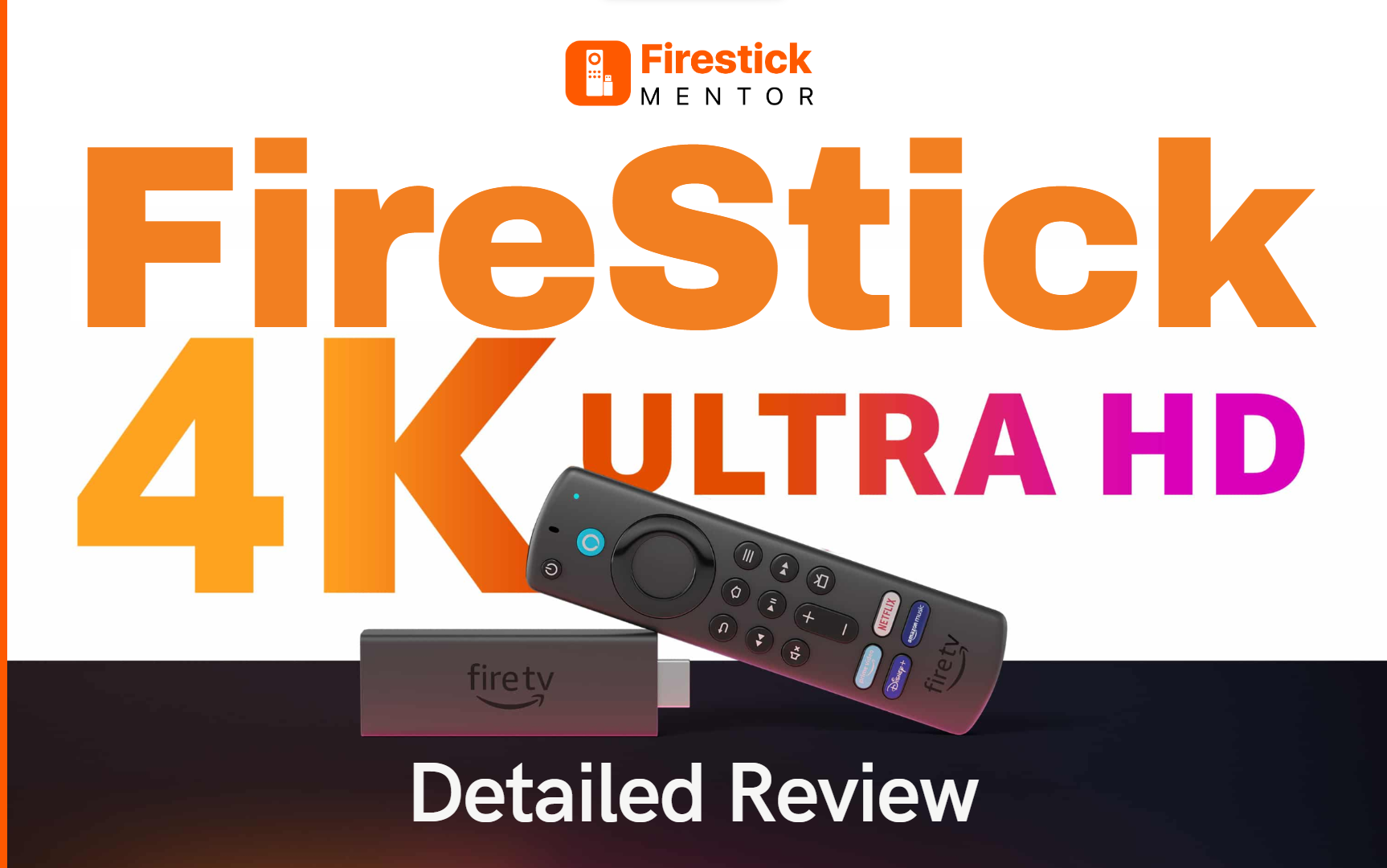
Amazon Fire TV Stick 4K is the greatest media streamer available. The FireStick Ultra 4K replaces the 4K-capable Amazon Fire TV and is not a follow-up.
Simply put, it is the best and most reasonably priced device to enhance your streaming experience. You can add and stream a lot of more recent apps with it. The Amazon Fire TV Stick also supports 4K with HDR10 and Dolby Vision, a spectacular HDR imaging technique that enhances the screen’s colour, contrast, and brightness. This device is more valuable and worthwhile because Amazon Alexa, the cloud-based speech service, is also available on it.
The FireStick Ultra 4K also has fast Wi-Fi streaming and menu navigation as significant features. However, it lacks an Ethernet adapter, which is the only sacrifice for the device’s smaller size, quicker performance, support for Dolby Vision, and reduced pricing.
FireStick Ultra 4K Price
Considering the device’s functionality, the Amazon Fire TV Stick 4K’s $49.99 price is perfectly reasonable. You can expect to pay an extra $10 above the non-4K Fire TV Stick, which is extremely fair given the higher quality material you’ll be enjoying thanks to support for 4K and Dolby Vision, which greatly improves the colour and image clarity.
In light of this, the Fire TV Stick 4K is a smart choice if you want to stay around $50 and enjoy the streaming experience at its best.
FireStick Ultra 4K Design

You will be well aware of this item’s wonderful qualities and become familiar with the design. The Fire TV Stick 4K is bigger than usual. More specifically, its exterior is the same as the older design; the major difference is that it now has the Amazon arrow logo with no wording.
A 1.7GHz quad-core processor and an 802.11ac Wi-Fi chip are located within. The Fire TV Stick supports 4K, and Dolby Vision enhances the picture quality. It has a significantly compact form compared to streamers with more conventional shapes, like the Apple TV 4K.
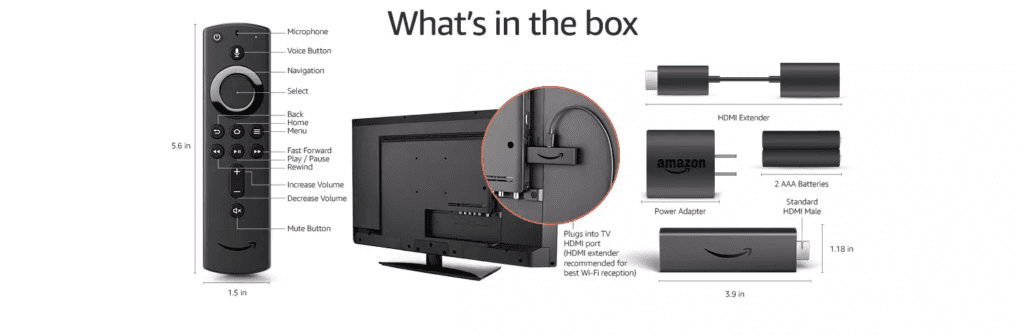
The Fire TV Stick 4K is as discreet and small as ever, measuring 99mm x 30mm x 14mm, and it is made to fit into the HDMI 2.2 connection on your TV.
Additionally, since the FireStick is just a little wider than a typical HDMI cable, Amazon has supplied an HDMI extension cable in case you have difficulties fitting it. The Fire TV Stick 4K also has a micro-USB port to connect the power supply.
FireStick Ultra 4K Remote
The remote design has also been altered and enhanced over the earlier versions. The major flaw of earlier remote controls was their need for a volume button, which prevented users from adjusting the volume with the remote.
Keeping that in mind, the greatest change in this device is that it now has volume buttons and a power button, making it much easier to use.
As a result, you may now adjust the volume on your TV using the remote. Moreover, the remote’s top still has a microphone button that can call Alexa up without saying “Alexa” before each command.
Alexa Support on FireStick Ultra 4K
The Fire TV Stick 4K comes with Amazon’s Alexa speech assistant. To communicate with Alexa, press the microphone button located on the remote and then speak into the top-mounted microphone.
On the Fire TV Stick 4K, Alexa can be asked for basic information or to look up media to listen to or watch. Your connected TV will show visual content along with Alexa’s verbal responses.
When utilising apps like Netflix or Amazon Prime Video, the voice search functionality offered by Alexa is efficient. However, some applications, such as BBC iPlayer, do not support voice search, so you must type instead, which is frustrating. In general, voice search is excellent and far better than early versions.
Features of Fire TV Stick 4K
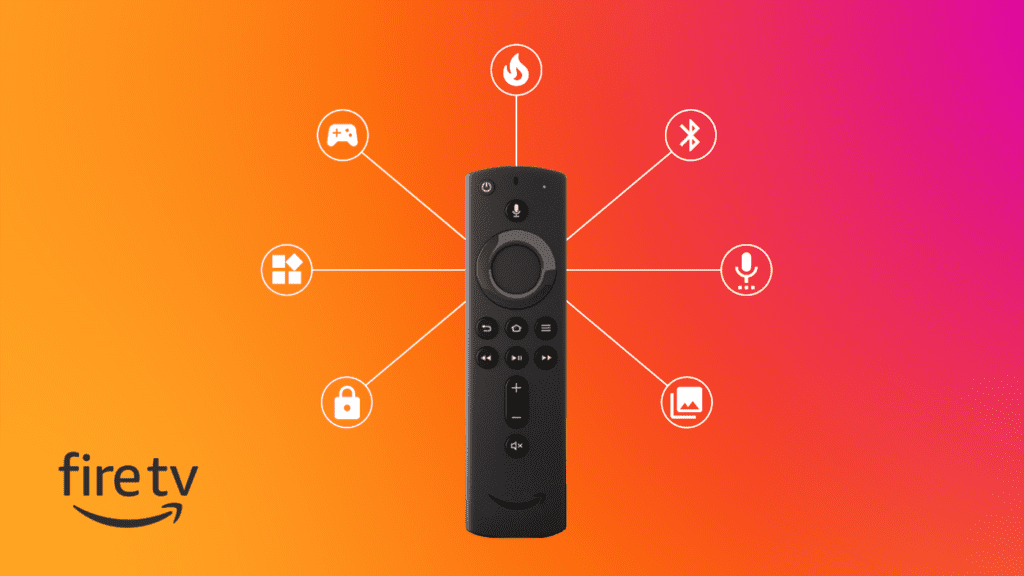
The Fire TV Stick 4K offers far more functionality. It is a media streamer that is almost faultless. Above all, it provides 4K with HDR10 and Dolby Vision, creating home screens that are vibrant and colourful.
Additionally, the most recent Amazon material is heavily promoted. Furthermore, Alexa voice control with support for various smart home devices is included. The new and redesigned remote can now control the power and volume of your TV, making it much more practical to use.
The Fire TV Stick 4K also features a quad-core 1.7GHz CPU and 8GB of memory as its components. Wi-Fi MIMO 802.11a/b/g/n/ac and Bluetooth 5.0 with BLE are both included.
Additionally, it has access to a vast array of streaming media from Amazon’s libraries and the most significant third parties. All of these benefits are yours for only $50.
FireTV OS
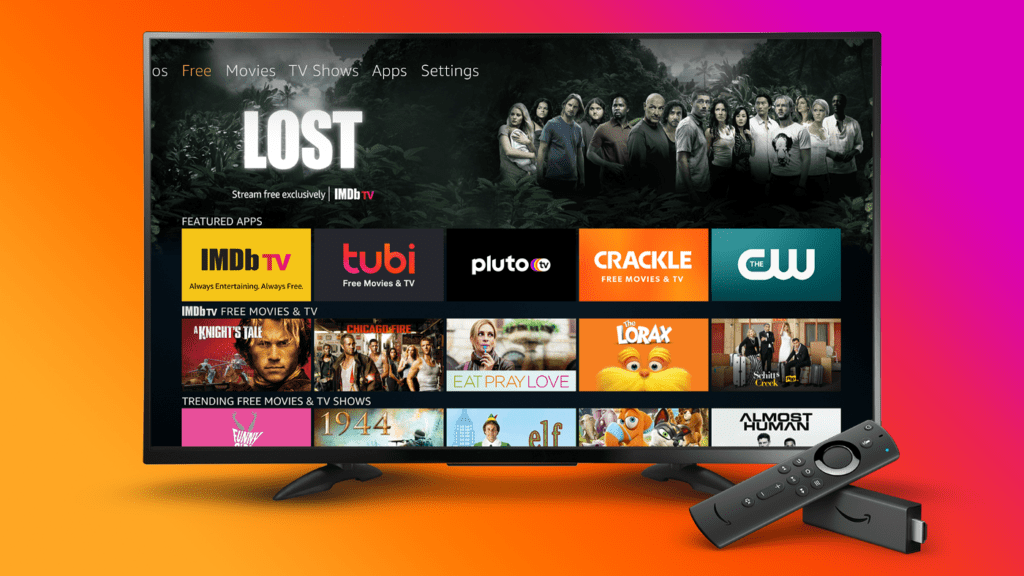
All Fire TV devices offer the same Fire TV experience. Several rows of media and apps, specifically organised by you and recommended by Amazon, are displayed in the main menu.
Although many third-party applications and services are accessible, suggestions are highly Amazon-centric. The content search tool, however, gathers across Amazon and numerous of these third parties. In addition to YouTube, Apple TV, Disney+, Hulu, Netflix, Sling TV, Twitch, Apple TV etc., all prominent applications are present.
FireStick Ultra 4K Performance
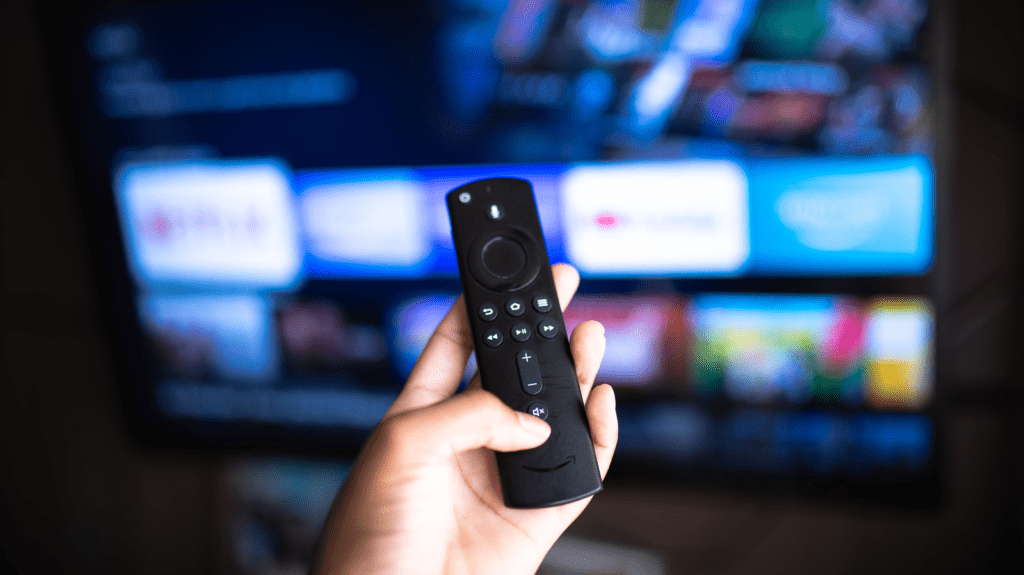
You will undoubtedly be happy with the performance of the FireStick Ultra 4K device. After connecting the Fire TV Stick to your TV, you will be invited to set up the remote. You won’t need to read manuals because your TV will guide you through the entire procedure.
Even for individuals who have never used a streaming device, the Fire TV Stick 4K user interface is incredibly simple. And also, the user interface is incredibly fast and quick to load.
Additionally, there is a great variety of streaming apps to choose from. You can locate recently used programmes and applications on the home screen or scroll down to find other programs. You will be able to see as many of the streaming platforms as you can think of. Thus, the FireStick Ultra 4K is worth buying for the best streaming experience.
FireStick Ultra 4K – Final Verdict
The Amazon Fire TV Stick 4K is your best choice if you’re going to get a streaming device and want it to be able to handle everything. It supports all current HDR formats and Dolby Vision and has all the necessary apps.
The modified remote control and Alexa sound control are the most noticeable features. Purchasing a FireStick Ultra 4K is an incredibly wonderful deal, especially considering the high overall performance and superb usability at a reasonable cost.
The FireStick Ultra 4K is worth purchasing and provides the finest streaming experience with all the above capabilities. Don’t wait and order your FireStick Ultra 4K now!